Lowes Credit Card Login: 7 Proven Smart Ways to Sign In & Pay
Trying to access your Lowe’s credit card account but keep landing in the wrong place? The fastest solution is usually simpler than it looks: identify your card, use the correct account portal, and avoid unofficial login pages.
If you have a MyLowe’s Rewards Credit Card, MyLowe’s Pro Rewards card, or Lowe’s Commercial Account, this guide explains where to log in, how to make a payment, and what to do when your account refuses to cooperate.
Lowes Credit Card Login: Where Should You Sign In?
Lowe’s credit accounts are managed through different account options, and Synchrony currently provides account management for several Lowe’s credit products. Its official account directory lists Lowe’s consumer and commercial accounts alongside the MyLowe’s Pro Rewards cards.
For a standard MyLowe’s Rewards Credit Card, the official Synchrony Lowe’s account page provides options to manage the account, pay the bill, register, and activate a card.
What You Can Do After Logging In
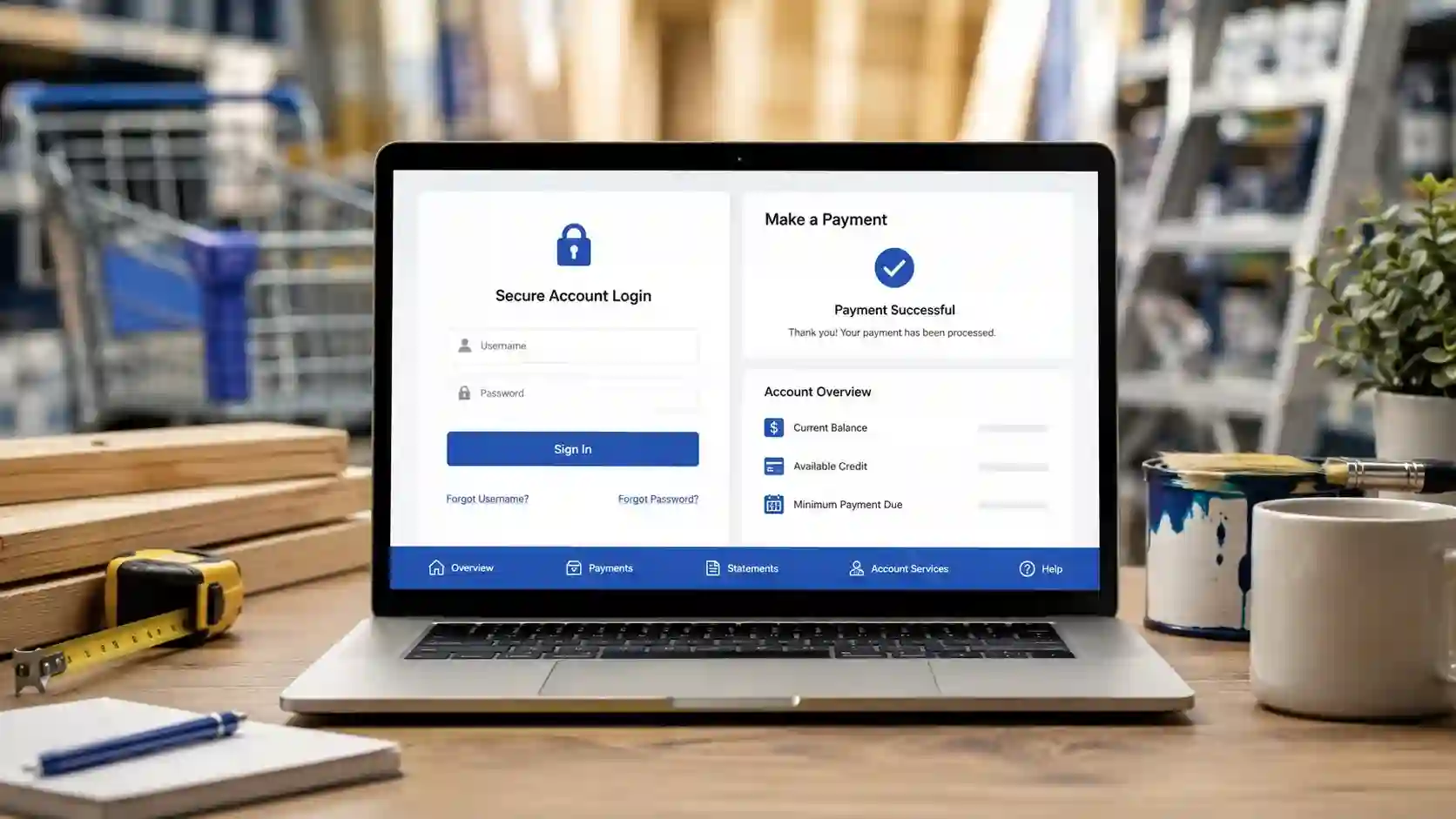
Once you reach the correct account, online management can save considerable time. Depending on your card, you may be able to:
- Check your current balance
- Review recent transactions
- View electronic statements
- Schedule a payment
- Set up automatic payments
- Manage account alerts
- Review available credit
- Update certain account information
Synchrony says registered cardholders can track activity, schedule payments, and access statements online.
How to Complete the Lowes Credit Card Login
Step 1: Identify Your Card
Before entering any credentials, check the name printed on your card or your latest statement. Lowe’s offers several credit products, so using the wrong login route can create unnecessary confusion.
The current Lowe’s credit center lists the MyLowe’s Rewards Credit Card, MyLowe’s Pro Rewards American Express Card, MyLowe’s Pro Rewards Credit Card, Lowe’s Commercial Account, and other payment products.
Step 2: Open the Official Account Page
Go directly through Lowe’s or Synchrony rather than clicking an unfamiliar advertisement or email link.
Look for the account-management option associated with your specific card. After reaching the login screen, enter your registered credentials and complete any requested security verification.
Step 3: Check Your Account
After signing in, review your balance and recent activity before making a payment. This gives you an opportunity to spot an unfamiliar transaction or confirm that a previous payment was credited.
If you have never registered the account, Synchrony provides a registration process for eligible accounts.
Lowes Credit Card Login Payment: How to Pay Your Bill
One of the main reasons people search for a lowes credit card login payment is to avoid missing a due date.
After signing in, locate the payment section. You can generally select the amount you want to pay, choose an eligible bank account or payment method, review the details, and authorize the transaction.
For the MyLowe’s Rewards Credit Card, Synchrony also lists phone, mail, and in-store payment options. The published customer-service number for that account is 1-800-444-1408.
Can You Pay Without Logging In?
Yes. Synchrony offers a Pay as Guest option for eligible credit-card accounts, allowing a same-day payment without signing into the full account.
The process is straightforward:
- Find the appropriate account sign-in page.
- Select Pay as Guest.
- Enter the requested account information.
- Choose your payment amount and method.
- Review and authorize the payment.
Synchrony says guest payments use encryption and device-recognition technology to help protect account information.
Synchrony Lowes Credit Card Login: Why Synchrony Matters
Searches such as lowes credit card login synchrony, synchrony lowes credit card login, and synchrony bank lowes credit card login all point toward the same basic issue: understanding who manages the account.
Synchrony is the issuer of the MyLowe’s Rewards Credit Card, and its Lowe’s account page provides online account-management and payment functionality.
That relationship also explains why your Lowe’s card account may take you to a Synchrony-branded page rather than a conventional Lowe’s shopping login.
Current Lowe’s Credit Products at a Glance
| Account type | Main use | Online management |
|---|---|---|
| MyLowe’s Rewards Credit Card | Consumer Lowe’s purchases | Yes |
| MyLowe’s Pro Rewards Credit Card | Lowe’s professional purchases | Yes |
| MyLowe’s Pro Rewards American Express Card | Pro and everyday purchases | Yes |
| Lowe’s Commercial Account | Business purchasing | Yes |
The current Lowe’s credit center separates consumer, professional, commercial, and other financing options, while Synchrony lists Lowe’s commercial and Pro accounts in its account directory.
Lowes Credit Card Login Business and Commercial Accounts
If you’re searching for lowes credit card login business or lowes credit card login commercial, don’t assume you have the same account as a regular consumer cardholder.
Lowe’s currently lists a dedicated Lowe’s Commercial Account alongside its professional credit products. Synchrony also specifically identifies the Lowe’s Commercial Account Credit Card as a separate account-access option.
The commercial account is designed around business purchasing. Lowe’s published comparison information highlights features such as authorized buyers, invoice payment, itemized transactions, and account structures that can support multiple business locations.
For businesses, choosing the correct portal matters because commercial account management can differ from consumer card management.
My Lowes Credit Card Login Not Working? Try These Fixes
Login problems don’t always mean your account is locked. A few basic checks can solve many access issues.
1. Check Your Credentials
Make sure your username and password are entered exactly as registered. If your password was recently changed, use the newest credentials rather than an older saved password.
2. Reset Your Password
If you cannot remember your credentials, use the recovery option on the official login page. Avoid repeatedly guessing passwords, particularly if the site is already asking for additional verification.
3. Clear Browser Problems
If the login page keeps refreshing or behaves strangely:
- Clear your browser cache and cookies.
- Try a private/incognito window.
- Disable problematic browser extensions.
- Update your browser.
- Try another trusted device.
4. Check Whether You’re Using the Right Account
A consumer Lowe’s card, Pro card, and Commercial Account aren’t necessarily accessed through the same route. Synchrony’s account directory specifically separates these account categories.
Frequently Asked Questions
What is the Lowes credit card login page?
The correct login page depends on your Lowe’s credit product. Lowe’s provides account-management links through its credit center, while Synchrony provides account access for eligible Lowe’s cards.
Is Lowe’s credit card managed by Synchrony Bank?
For the MyLowe’s Rewards Credit Card, yes. Synchrony identifies itself as the issuer and provides online account management, including payments and account servicing.
How do I pay my Lowes credit card bill online?
Sign in through the official account portal and select the payment option. If available for your account, you can also use Synchrony’s Pay as Guest feature without completing a full login.
Can I pay my Lowe’s card without logging in?
Yes, eligible Synchrony accounts can use Pay as Guest. You select the payment amount and method, then review and authorize the payment.
How do I set up automatic payments?
For the MyLowe’s Rewards Credit Card, Synchrony says cardholders can enroll in autopay through the online account and select the payment amount and bank account.
Is the Lowe’s Pro card the same as the regular Lowe’s card?
No. Lowe’s currently lists the MyLowe’s Pro Rewards Credit Card separately from the MyLowe’s Rewards Credit Card. It also offers a MyLowe’s Pro Rewards American Express Card with broader purchasing use.
What should I do if my login still doesn’t work?
First confirm that you’re using the correct account portal. Then try credential recovery, another browser, or a private browsing window. If the problem continues, use the official Synchrony or Lowe’s support options rather than third-party login websites.
The Smartest Way to Manage Your Lowe’s Card
The easiest approach is to bookmark the official Lowe’s credit page or the appropriate Synchrony account page instead of searching for the login every time.
That small habit reduces the chance of landing on a misleading website and makes bill payments faster. For a standard MyLowe’s Rewards Credit Card, you can manage payments online, use autopay, review statements, or choose another supported payment method.
Before making any payment, verify the account, amount, and payment date. If you’re managing a Pro or Commercial account, confirm that you’re using the account type intended for your business.
The insider tip: don’t search for a generic “Lowe’s login” when you’re trying to manage credit. Start from Lowe’s official credit center or Synchrony’s Lowe’s account page, identify the exact card, and then sign in. That simple step can eliminate most of the confusion surrounding Lowe’s credit card login and payment searches.